
Open the Geodema dashboard from the link or through the Telegram bot. In the dashboard, choose the free plan and tap “Установить и настроить” (Install and configure).
Geodema requires an account. Compare it with Amnezia on the VPN without registration page, or check video access with the VPN for YouTube guide.
Connect through the dashboard
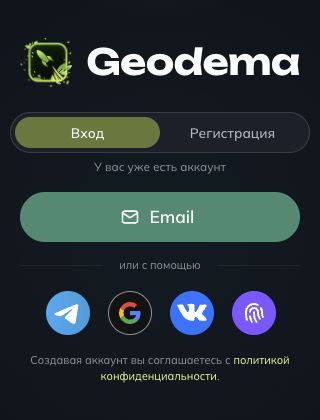
- Sign in or register
Open the dashboard from the link above. If you do not have an account, choose “Регистрация” (Registration), create one, and sign in.
- Open “Личный кабинет” (Personal account)
In the sidebar, tap “Личный кабинет” (Personal account).
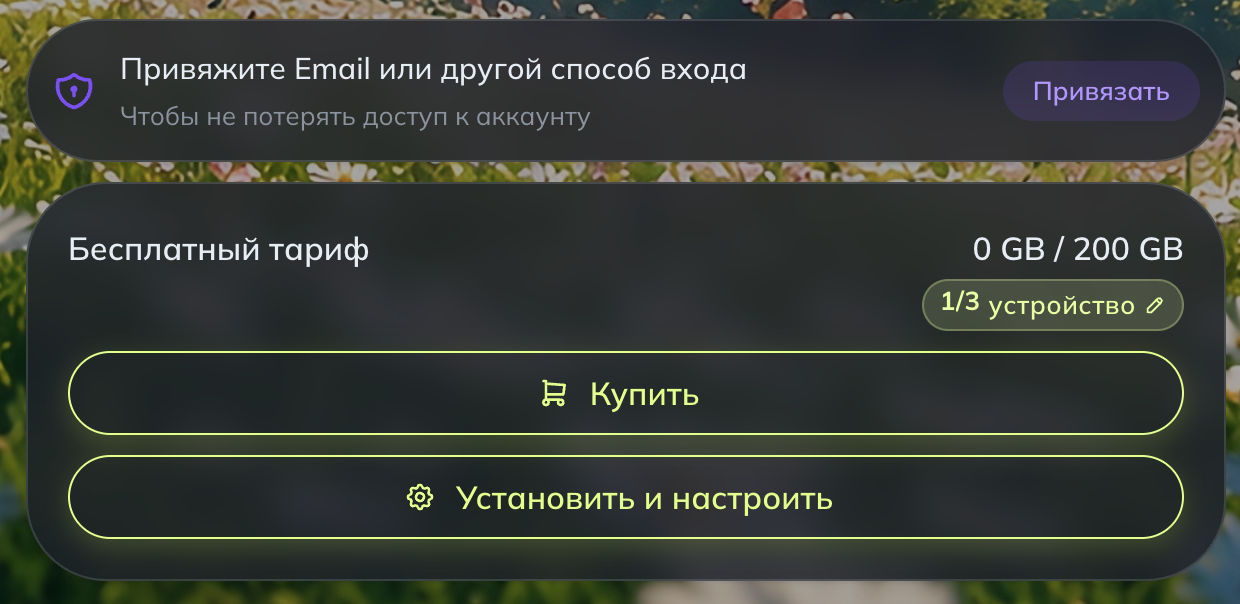
- Check the free plan
The card shows how much of the 200 GB allowance you have used and how many devices are connected. The limit is three devices.
- Tap “Установить и настроить” (Install and configure)
On the next screen, follow Geodema’s instructions to choose an app and import the VLESS configuration into it.
Keep access to your account
Follow the dashboard prompt “Привяжите Email или другой способ входа” (Link an email or another sign-in method) to keep access to your account.
Give a VPN subscription to a friend or relative
Geodema lets you pay for a subscription for someone else. You pay, and the recipient gets the subscription.
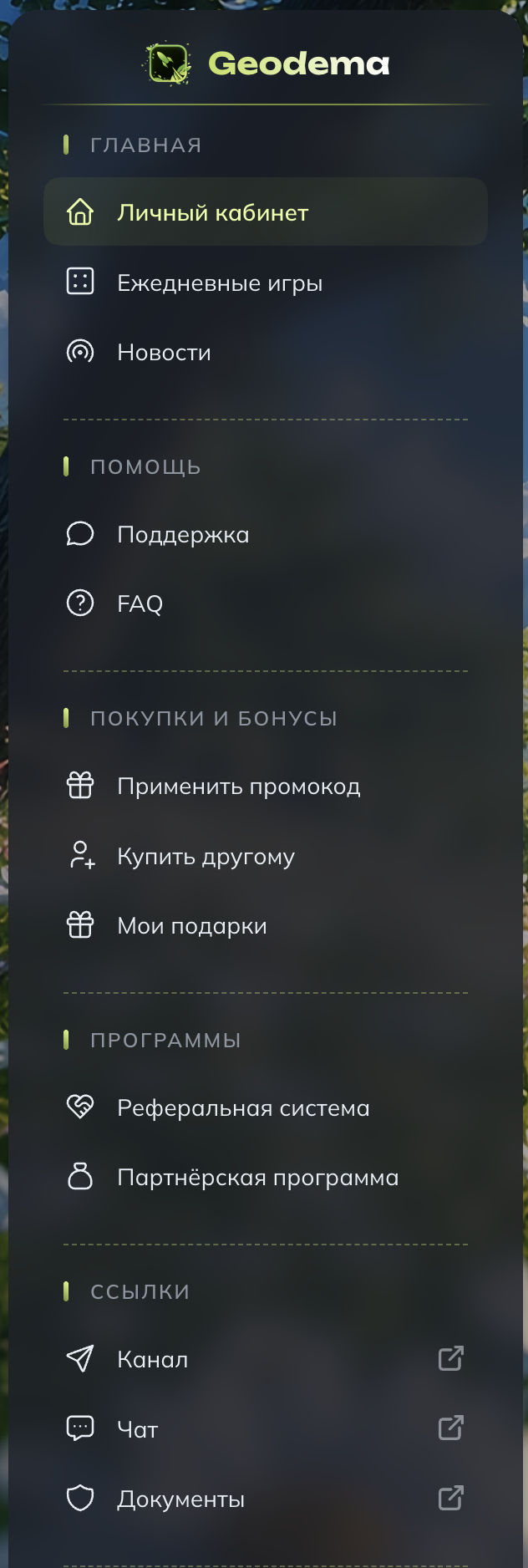
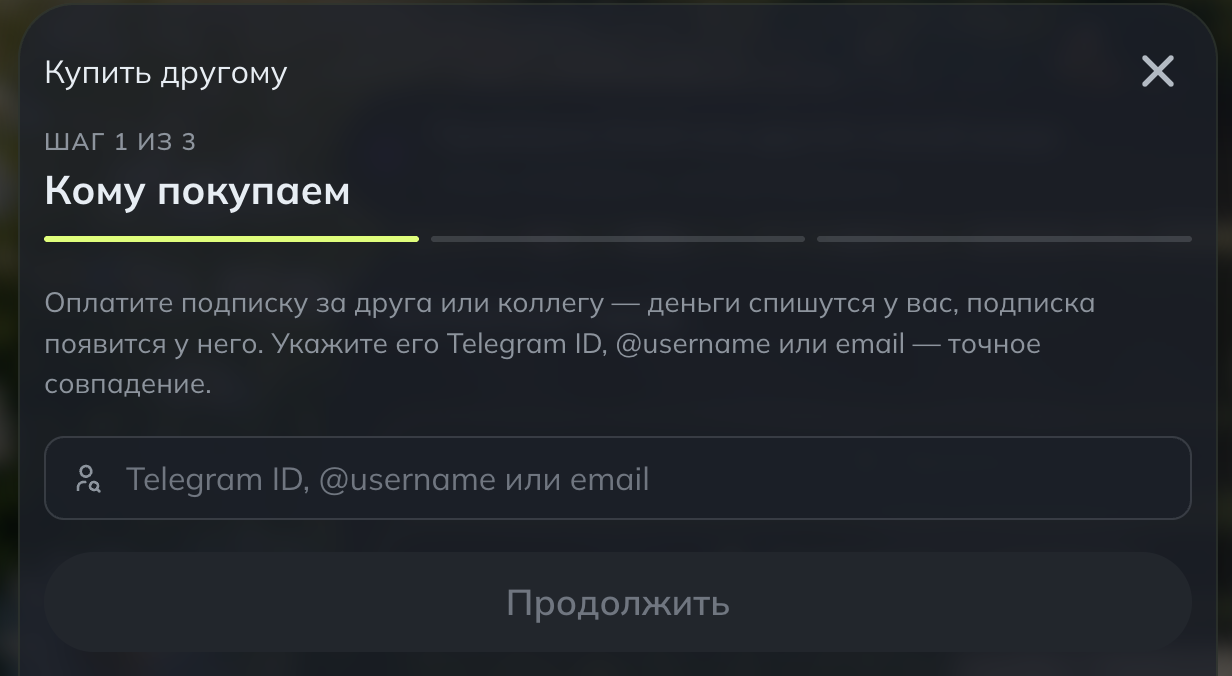
Follow the dashboard instructions to complete the purchase.
If the connection does not work
- Check that the configuration is current and the allowance is not exhausted.
- Make sure active devices do not exceed the limit.
- Copy the configuration again from the dashboard.
- If the dashboard shows a different allowance, follow its current terms.
Where is my key or QR code?
Find your connection key and QR code in the Geodema dashboard. Import them into the VPN client specified by the service and keep them private.